While some of the best smartphones remain the top-tier flagships from Samsung and Apple, we see more and more budget-friendly options in the $500-$750 range. Now you aren't going to get a folding screen or a 50x zoom at that price, that's still reserved for the $999 and up phones, but those features don't matter to everyone.
True flagships have their place, they push the boundaries of what's possible in a smartphone form factor, but some of the best smartphones can do everything most need them to do for far less. Whether you want the latest and greatest or just the best smartphone for your specific needs, it's a great time to buy a new phone.
Google's Pixel 7 and Pixel 7 Pro are excellent examples of that more affordable flagship class, as is the OnePlus 11. However, If you want the top-of-the-line we wouldn't blame you, on Android that's the Galaxy S23 Ultra and the iPhone 14 Pro and Pro Max remain excellent options for those in the Apple ecosystem.
The iPhone 15 lineup recently debuted at the Apple September event with a number of key upgrades to the standard iPhone 15 and 15 Plus as well as the iPhone 15 Pro and 15 Pro Max. We'll have reviews of all of them in due time, but if you can't wait then here's how to pre-order the iPhone 15 starting September 15.
We've spent hundreds of hours reviewing and researching all of the best smartphones available today and whether you value productivity, photography, gaming, social media, videography, or battery life, these phones are the best of the best.
The best smartphones you can buy today
Why you can trust Laptop Mag Our expert reviewers spend hours testing and comparing products and services so you can choose the best for you. Find out more about how we test.
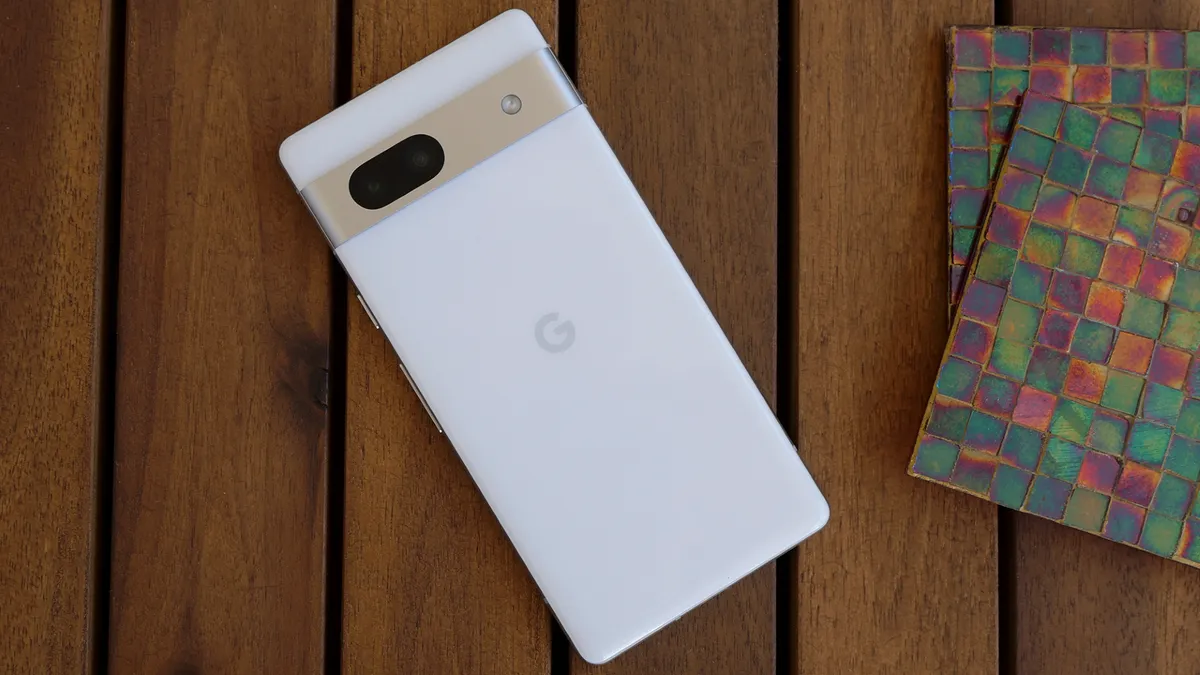
At $499 the Pixel 7a is the best value of any phone on the market, and if you know where to buy the Pixel 7a you can get a $50 gift card or a pair of free Pixel Buds A-Series earbuds. The Pixel 7a takes a leap over its predecessor thanks to improved cameras, its new 90Hz display, and dramatically improved battery life.
The Pixel 7a isn't a flagship phone, it lacks a true telephoto camera and while its Tensor G2 chipset is powerful enough for any typical smartphone task and all but the most intense games, it's still a step below Apple's A16 Bionic or the Qualcomm Snapdragon 8 Gen 2 found in pricier Android phones. I love a good flagship phone too, so if that's what you are looking for just scroll down and you'll find the best options there, but after using the Pixel 7a I'm convinced it is the best phone for most people.
Google made it clear in recent years that it wants to be known as a great "value proposition" in the market and the Pixel 7a represents that notion perfectly.
See our full Google Pixel 7a review.
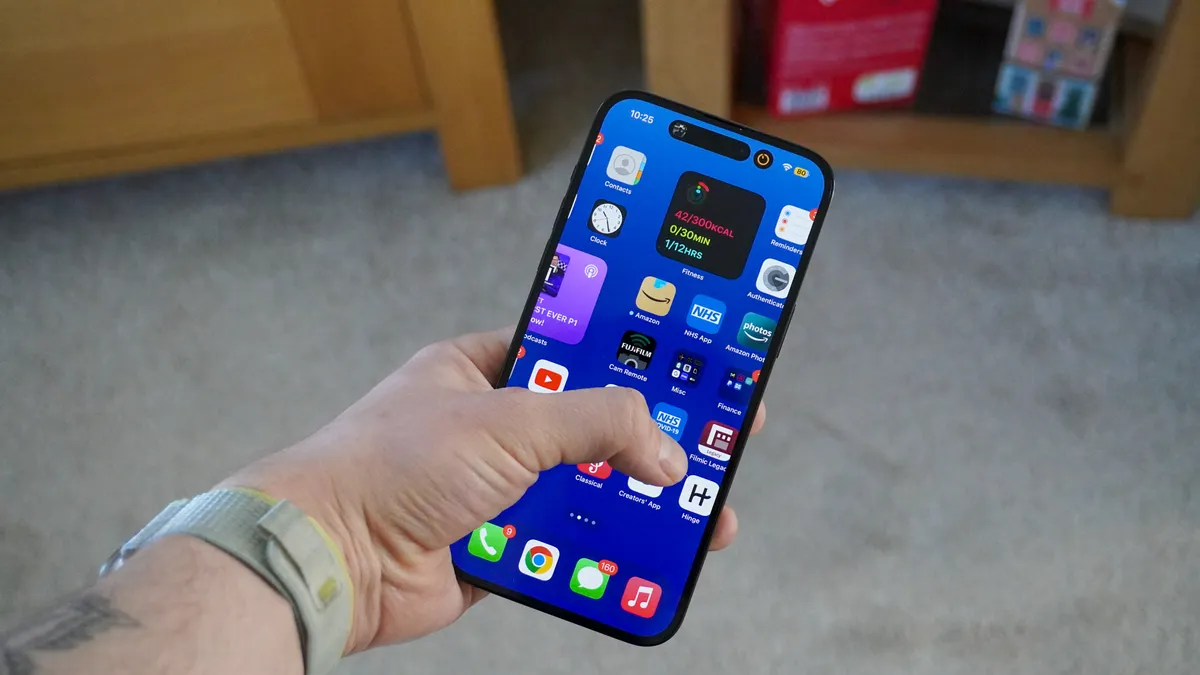
The iPhone 14 Pro Max is overpowered, gorgeous, and expensive. You don't want to go with the 128GB base model, but you can probably get away with 256 or 512GB of storage, which still means you are looking at a starting price of $1,199. If that's too rich for your blood then take a hard look at the iPhone 14 Pro, although you are giving up a lot of display and battery life to save $100.
The iPhone 14 Pro Max is a multitasking/gaming/photography machine without question. And it lasted 13 hours and 25 minutes on our battery test. While in years past I recommended the Pro for most people, the significant difference in battery life for this generation makes the Pro Max the better choice for anyone that isn't completely turned off by its size.
Apple created more separation between the standard iPhones and the Pro models over the last couple of years, making the Pro models the better value again despite the higher price. It's a beast of a phone, but the easiest flagship to recommend as you could easily use it for 5+ years thanks to Apple's excellent A16 Bionic chip and stellar software support.
Read our full iPhone 14 Pro Max review.

The Galaxy S23 Ultra doesn't look like a massive change from last year, but there's far more to this update than meets the eye. At the heart of those changes is the Qualcomm Snapdragon 8 Gen 2, which represents a generational leap that allowed this Android flagship to beat the iPhone 14 Pro Max in a number of our tests, while also delivering 12 hours and 22 minutes in our battery life test.
While I still give Google's Pixel 7 and 7 Pro the edge in pure photography, the Galaxy S23 Ultra with its 200MP primary camera and 10x optical zoom deliver shots that you could not get with any other camera on this list. Samsung still tends to amp up the drama a bit with its HDR, I think most will find they prefer this to the duller shots you get from the iPhone for example, regardless of which "looks more real."
With the built-in S Pen and Samsung's ever-improving integrations with Windows 11 and other Samsung devices, there is simply no better power user phone on the market than the Galaxy S23 Ultra as long as you can live with that $1,199 starting price.
See our full Samsung Galaxy S23 Ultra review.
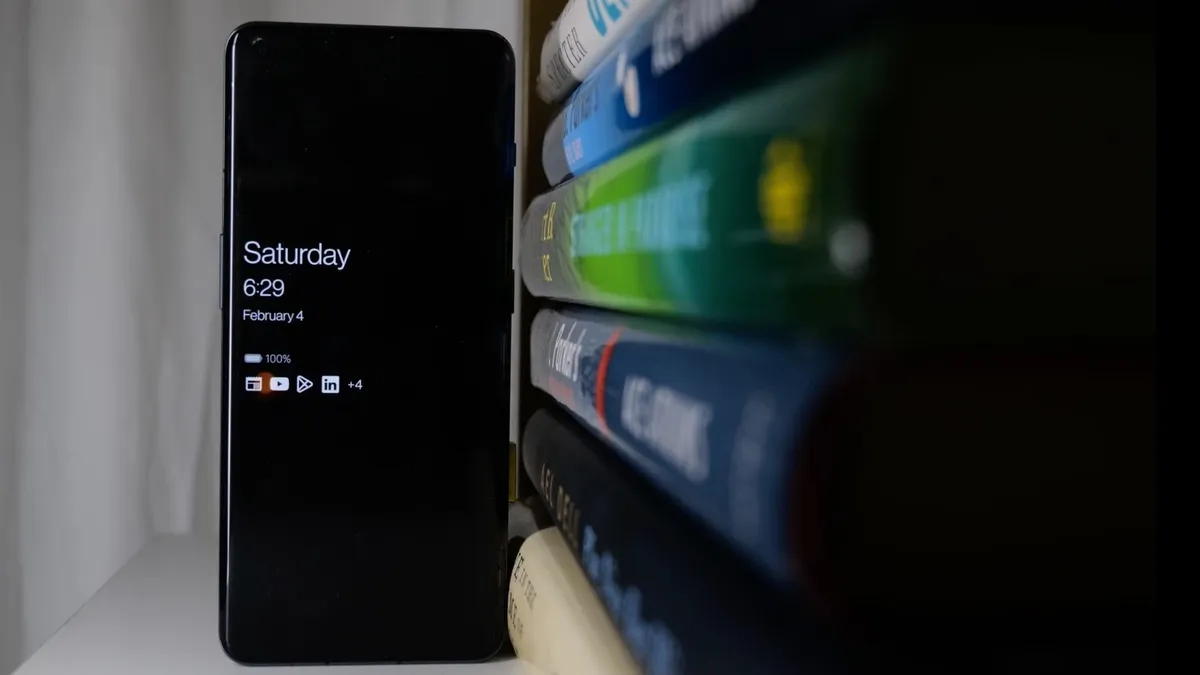
Starting at just $699 for the base model with 8GB of RAM and 128GB of storage, the OnePlus 11 is a steal, and even if you bump things up to 16GB of RAM and 256Gb of storage, the $799 cost remains below many other flagship phones with comparable (or worse) specs.
OnePlus is delivering a lot of smartphone for under $700, especially with its Snapdragon 8 Gen 2 processor. An affordable flagship with this kind of performance that also shoots solid photos and video is a steal. Typically in this price range if you are getting the current Snapdragon CPU, you are looking at a gaming phone that may as well just have camera lens stickers on the back.
While it is clear that OnePlus is making some cuts to hit its price point, they are well chosen. The camera hardware isn't flagship tier, the lack of water resistance may bother some, and the one generation removed Gorilla Glass Victus all explain the lower price, but by the same token OnePlus is certainly passing those savings on to you.
Overall when factoring in the incredible sub-$700 price point the OnePlus 11 is one of the best flagship phones you can buy, and it can do it all.
See our full OnePlus 11 review.
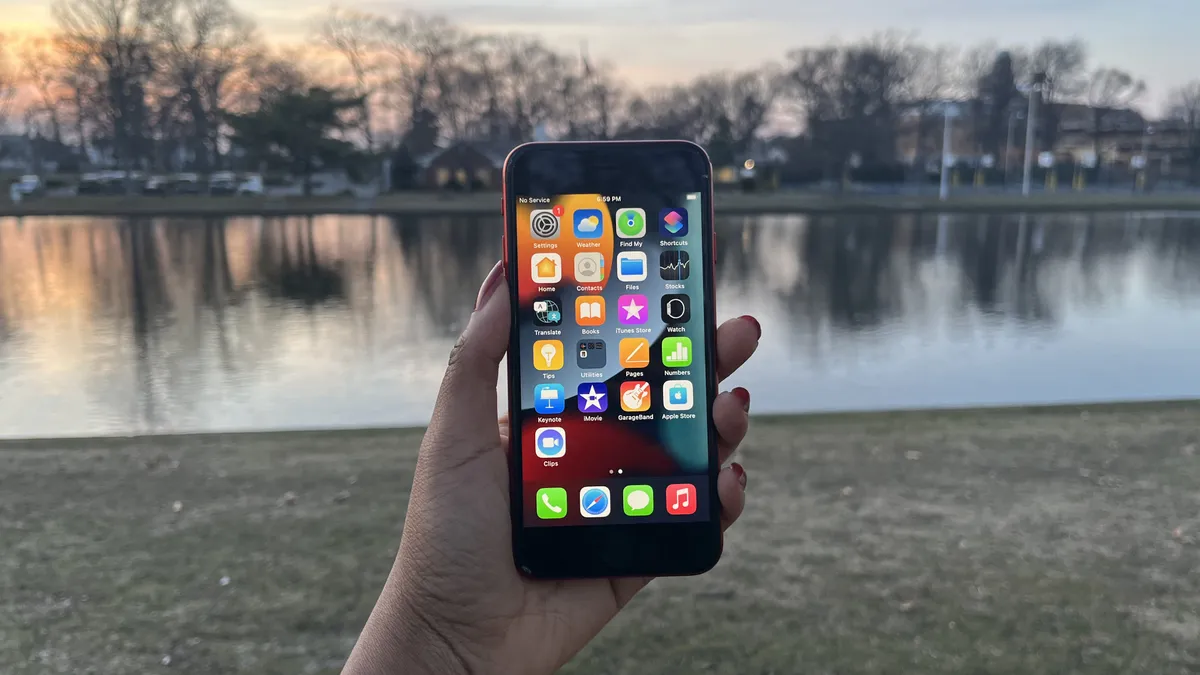
From a performance standpoint, the iPhone SE (2022) is an absolute marvel, featuring the same market-leading A15 Bionic SoC as the flagship iPhone 13 lineup. It's also a rarity in the smartphone world in 2022 for its 4.7-inch display, diminutive by modern standards. Combine this with the $429 price point, $270 less than the next cheapest iPhone, and you've got a winning combination for Apple.
With all of that said, there are certainly tradeoffs that Apple made to hit that price point. The iPhone SE 2022 still has a single rear camera and a relatively weak 7MP front-facing camera. Apple's computational photography continues to improve and it squeezes some solid results out of the middling hardware, but it's not up to flagship standards. The old-school design and Touch ID are something you'll either love or hate as it looks like you are carrying a 5+-year-old phone. Finally our biggest complaint was the relatively weak battery life, but if you are opting for the budget iPhone because you aren't a heavy smartphone user this likely won't be a problem.
See our full iPhone SE (2022) review
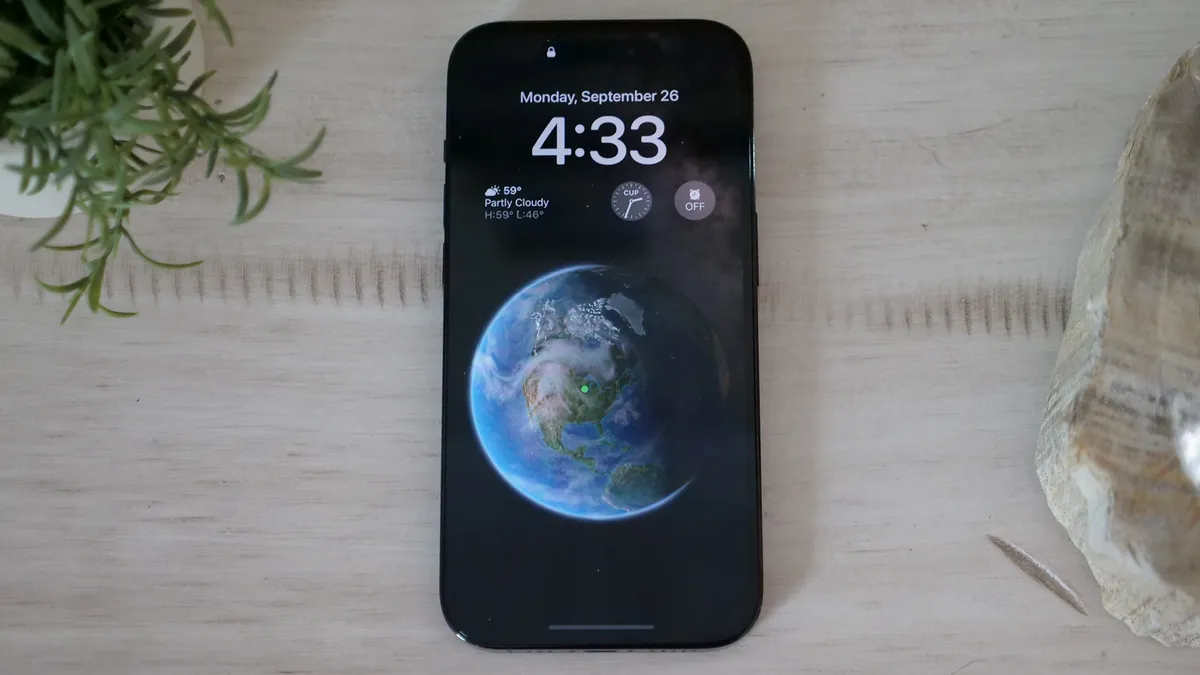
The iPhone 14 Pro remains one of the best phones on the market, but it falls down our list a bit this year as it is eclipsed by the 14 Pro Max and the Galaxy S23 Ultra in the flagship realm, and some fantastic values that are a good
The iPhone 14 Pro also backslid on a couple of features this year with the battery life coming up about two hours short of the 13 Pro, while the much-vaunted new camera system just didn't deliver the upgrade that we were anticipating. The Pixel 7 still delivers better images, video is another story, but starting at $999 vs. $599 for the Pixel 7 it needs to be hitting on all cylinders.
Returning to its strengths the A16 Bionic still maintains CPU dominance and it will be years before you notice any performance falloff on this phone, which helps its case on the value front. You can also look forward to day and date updates to the latest version of iOS likely through 2028. It may no longer stand atop the podium, but it's a close call and coming home with the silver is a solid result.

No, I can’t flip the phone open in a millisecond like a badass in a late 90’s action film, but the Galaxy Z Flip 4 can enhance my solo-travel experiences, whether enjoying its pocketability for lighter journeys or using Flex Mode for Instagrammable snapshots.
On top of that, the Galaxy Z Flip 4 is elite when it comes to zoomed-out selfies, capturing more background details than my Galaxy S22 Ultra. So yes, I’d recommend the Galaxy Z Flip 4 for solitary content creators and solo travelers. But would I encourage a Z Flip 3 owner to upgrade to the Z Flip 4? I'd lean toward no because the improvements are minimal, but if you're a Z Flip 3 owner who desperately wants more battery life, it might be worth it for you.
If you're more of a power user consider the Galaxy Z Fold 4 instead, the $1,799 price tag is a lot harder to stomach, but It’s a cooler technological titan that lets multitasking mavens take full advantage of its dual displays.
See our full Samsung Galaxy Z Flip 4 review
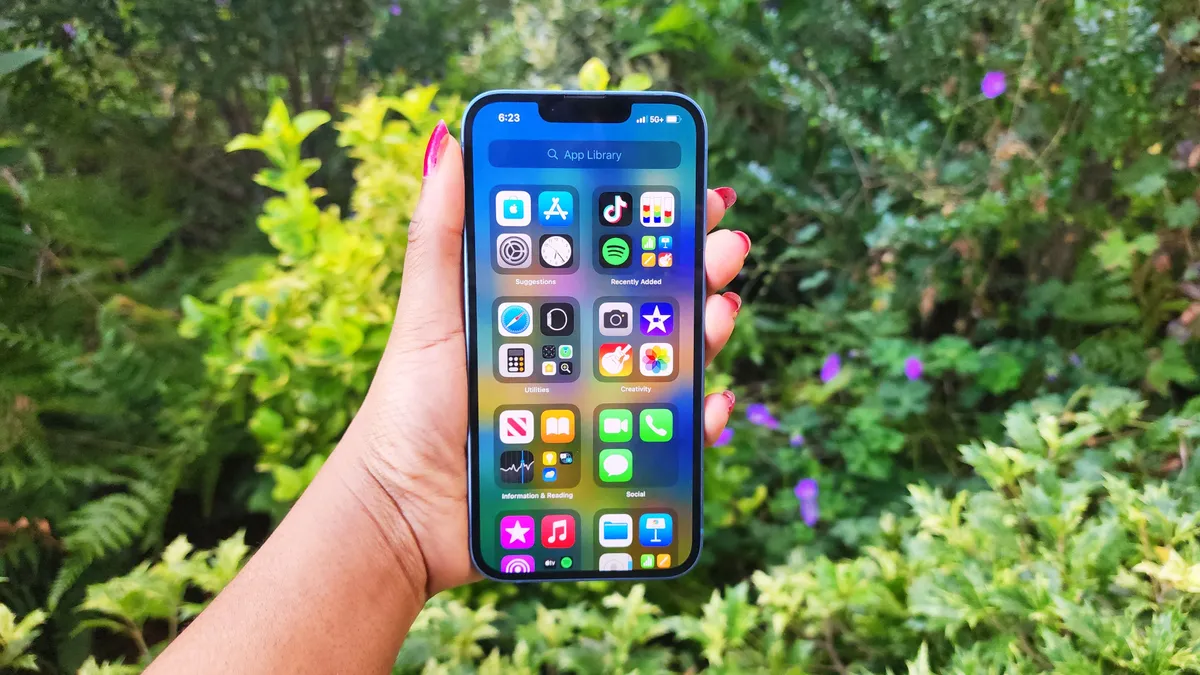
We are two years removed from the iPhone 12 sitting atop this list, but Apple has not done right by its standard iPhone over the last couple of years. It's still a solid phone, but as Apple created separation between it and the Pro line it has fallen from great to merely good.
As you can tell we weren't particularly blown away by the iPhone 14, but I don’t think that was Apple’s intent. This was meant to be an incremental upgrade, however, in some aspects, the iPhone 14 was a slight downgrade, especially when it comes to battery life.
With that said, depending on your lifestyle, you may benefit from owning the iPhone 14. For example, if you’re a travel vlogger who loathes lugging around a gimbal, you may appreciate the Action Mode feature, which will stabilize your videos, whether you’re navigating through crowded, tight places in Mykonos or enduring a bumpy airboat ride on an alligator swamp tour.
Or perhaps you’re concerned about your safety — or a loved one’s safety — and crash detection and satellite connectivity give you a piece of mind. Fortunately, I haven’t had a chance to test the former, and Emergency SOS via satellite doesn’t come to iPhone until November, but if these features put your mind at ease, there’s no harm in upgrading to the iPhone 14.
Other than that, an upgrade to the iPhone 14 may not be worth it. Or, if you can afford it, consider spending a little extra to get the $899 iPhone 14 Plus.
See our full iPhone 14 review.
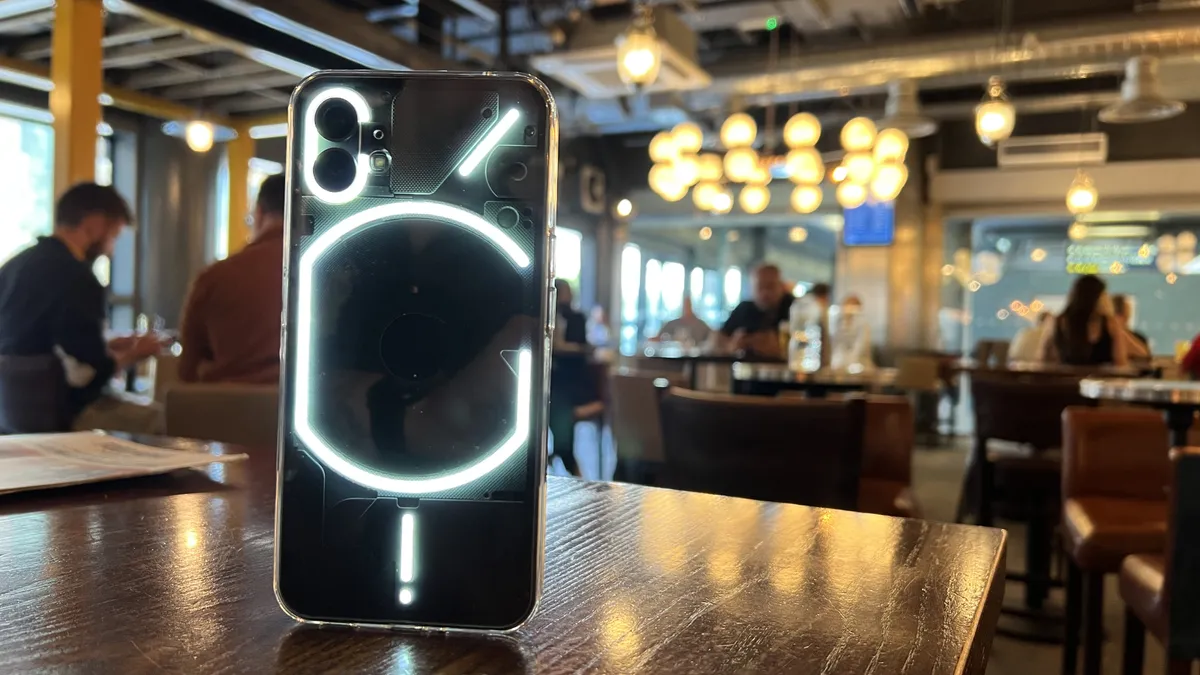
Now for something completely different. The Nothing Phone (1) may be giving you "one of these things is not like the other" vibes and you would be right. While a score of 3.5 still means we recommend the device, you will typically only find 4-5 star products on our best pages. I'm making an exception for the Nothing Phone (1) as it offers a unique look and experience in a segment of the phone market that is normally as bland as humanly possible.
The Nothing phone (1), much like the company’s earbuds last year, is a first-generation product for better and for worse. Unlike the buds, there are just one too many rough edges to recommend this to everyone.
That’s not to say it’s a bad phone — the cameras are good, the performance is OK for the price, and the unique attention to design makes for that retro-futuristic look that many will love.
In an increasingly competitive mid-range smartphone market, this is a diamond in the rough. Nothing is on to something here and I look forward to seeing what the company pulls off with the phone (2), but if you want to get in on the ground floor the phone (1) is a lot of fun and is sure to draw tons of attention.
See our full Nothing Phone (1) review.
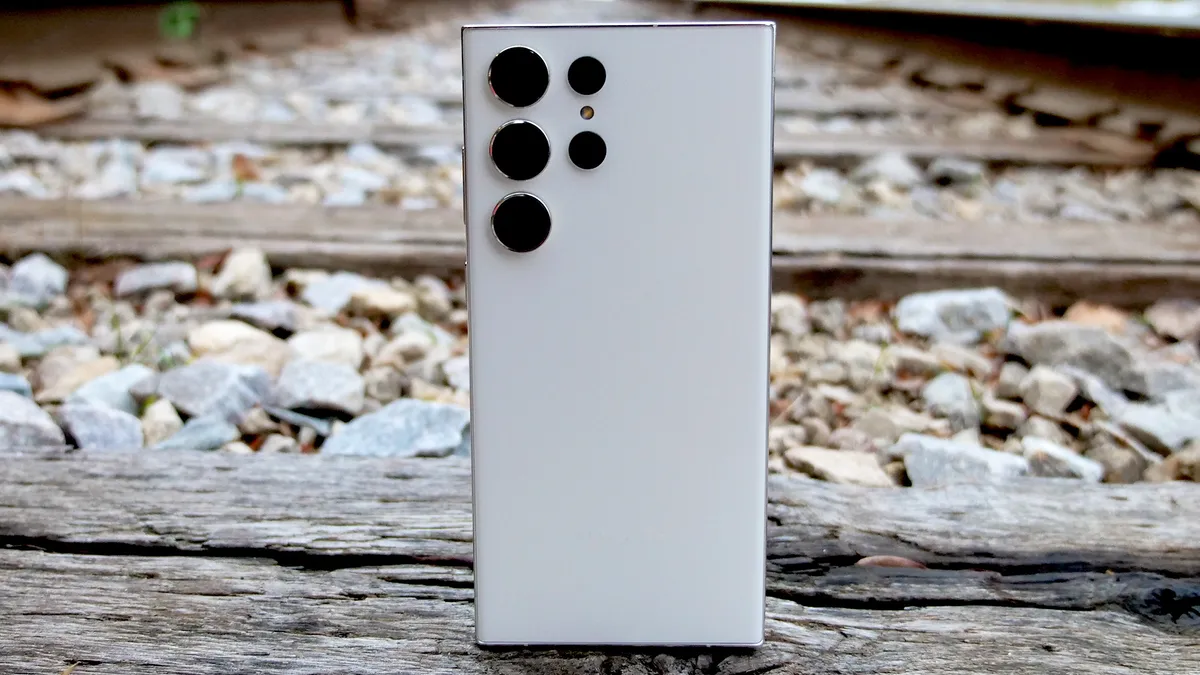
How to find the best smartphone
There are dozens of smartphones released every year and it can be difficult to decide which is going to be the most suited to your needs. Here’s a good set of questions to ask yourself as you consider which of the best smartphones is right for you.
What’s your budget?
As you would probably expect, this is going to be a major deciding factor in your smartphone buying experience. There are three fairly distinct tiers in the smartphone market at the moment. Budget smartphones in the $250-$400 range can deliver a solid enough experience for many users, but will typically give up some camera quality, feature a weaker processor and offer reduced software support. Mid-tier smartphones in the $600-$750 range are enjoying a real resurgence at the moment with features that are just behind the flagships for hundreds less. True flagships start at around $999 and can go up to $1,400 and beyond, and as expected at this price, you should be getting a top-of-the-line processor, the ability to capture near DSLR quality photos and a fantastic display.
Android or iOS?
This could certainly be the first question you ask and will narrow your choices down considerably if you are set on one or the other. The truth is that the two operating systems are closer than ever in terms of overall functionality. Apple still delivers faster software updates, superior privacy and generally a better app experience. Android offers more customizability, a superior voice assistant, a wider variety of hardware and more user control.

How much battery life do you need?
All the rest of its features won’t matter much if your smartphone is constantly dying before the end of the day for you. We conduct our own battery tests to see how long they will last on a single charge. And while your mileage will of course vary depending on your tasks, it will give you a general idea of how they stack up to one another.
Do you prefer a larger screen?
While the big-screen trend has largely eliminated the truly small smartphones from the market, there is still a spectrum of more compact options. Smaller phones at this point come in at or below 6 inches and the largest options are between 6.5-6.8 inches. For productivity and content consumption, a larger screen is definitely better, but there is certainly a portability trade-off so consider what you can carry comfortably.
How much do you value the camera?
The camera is one of the biggest differentiators as you move up the smartphone tiers. There are budget options that can capture excellent photos. However, they’ll lack some of the advanced telephoto and often high-end video capture capabilities that you will find in pricier smartphones. If, like most people, your smartphone is your only camera, then it’s worth considering whether the added reach or resolution of a high-end smartphone will allow you to capture photos and moments you otherwise might have missed.