Latest News

My favorite Star Wars game of all time will be free to play on Game Pass soon — it's still the best deal in gaming
Star Wars Jedi: Survivor retails for $69, but you can get 1 month of Game Pass Ultimate subscription for $11.29. That and more is why Game Pass is still the best deal in gaming.
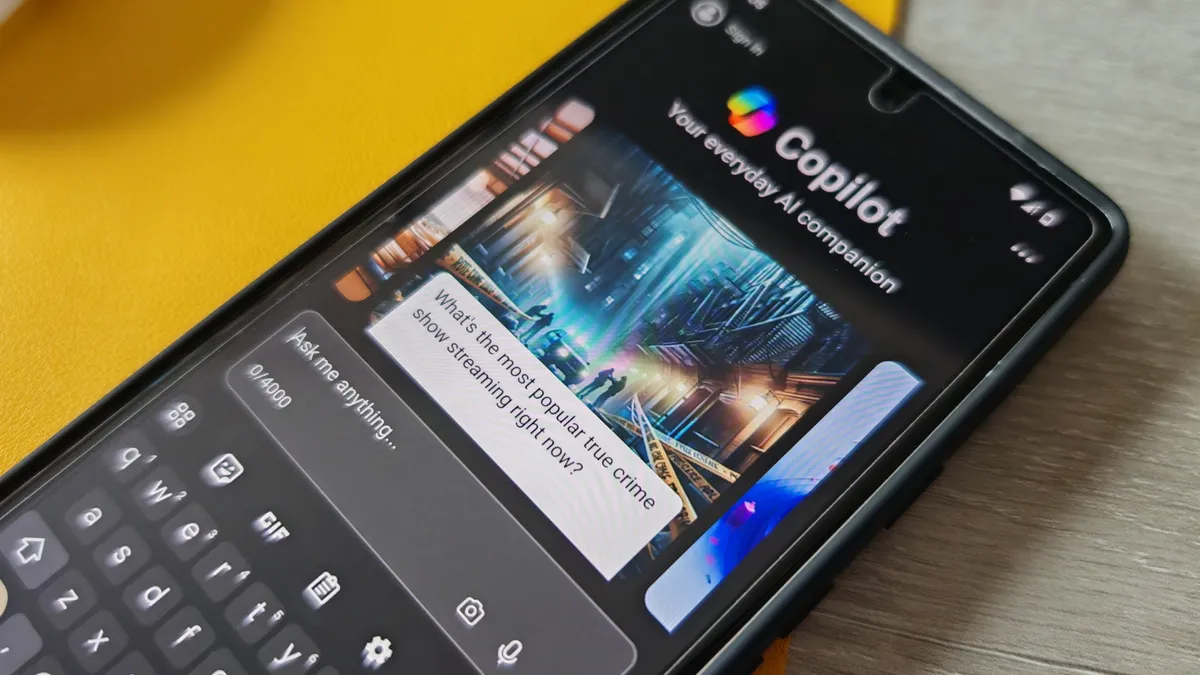
Microsoft's new lightweight AI rivals GPT-3.5 — it's learning from children's books and fits on phones
Large language models (LLMs) are still necessary for more complex tasks, but your next phone could sport this new compact AI model from Microsoft: the Phi-3 Mini.
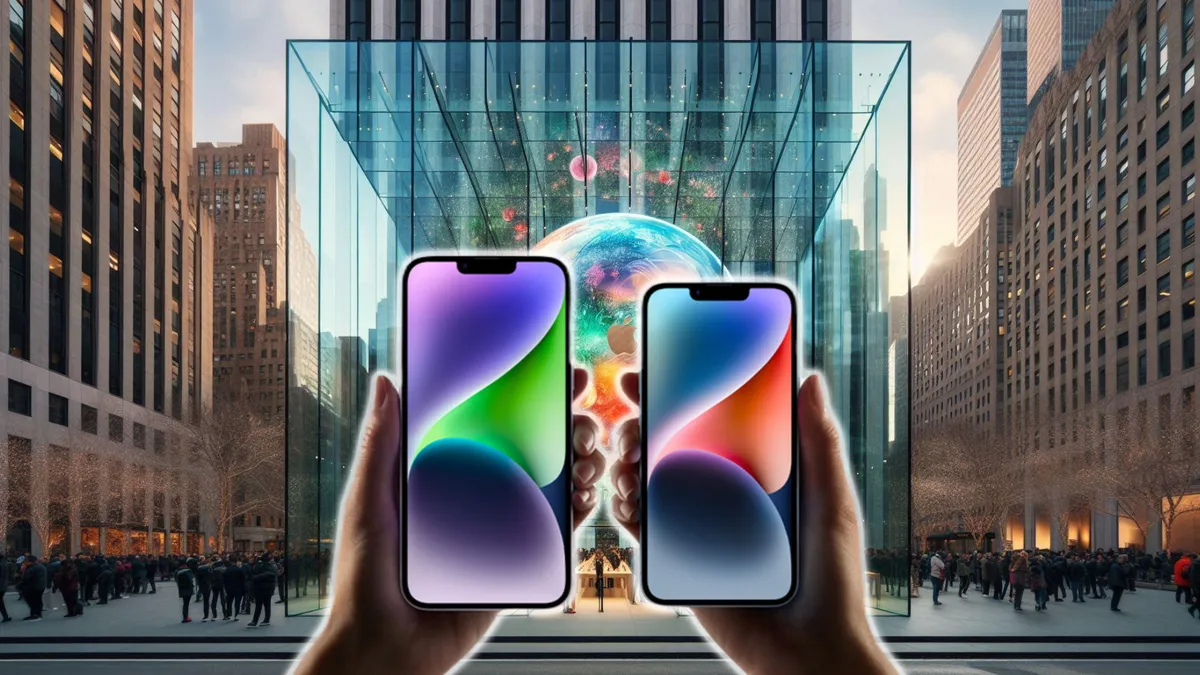
Click no more? iPhone 16 is rumored to have no physical buttons
After years of rumors and speculation, it seems Apple might finally be ditching those clicky buttons for a sleeker, more modern approach.

iPadOS 18 rumors: Siri and AI, rumored features, release date speculation, and more
iPadOS 18 could include some major new AI tools, but a lot of iPads could get left behind. Here’s what we know so far, including release date, rumors, and more.
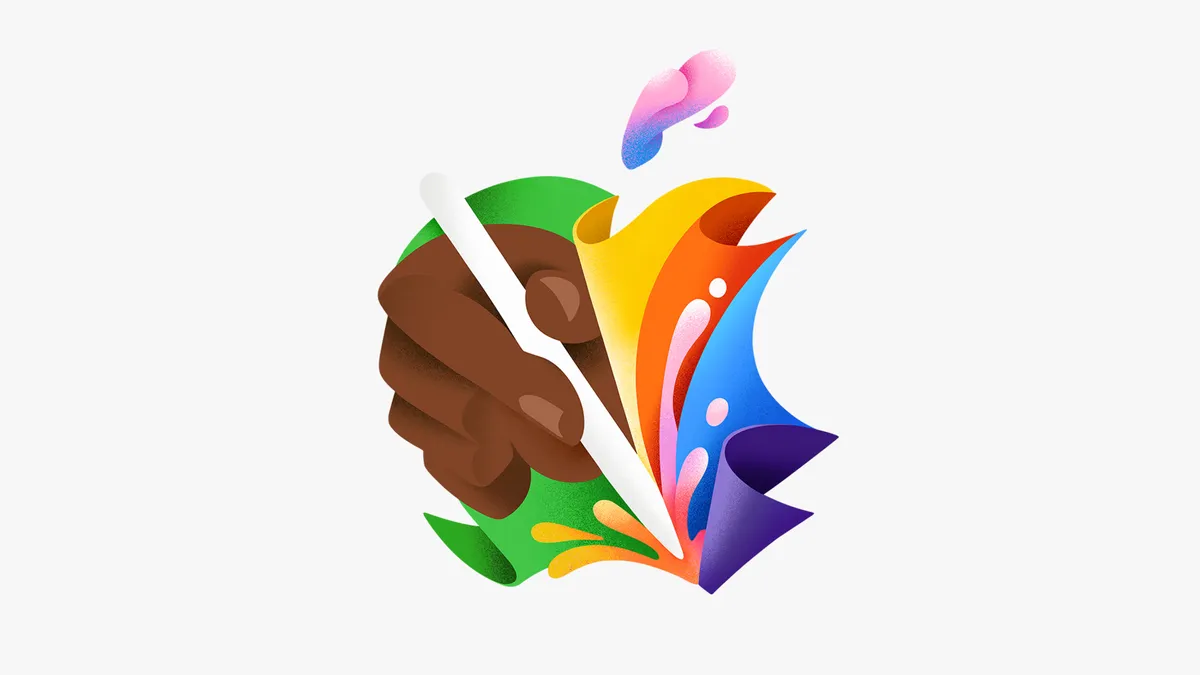
Apple announces 'Let Loose' event on May 7 with new iPads expected
Here's everything we expect to see at Apple's "Let Loose" event
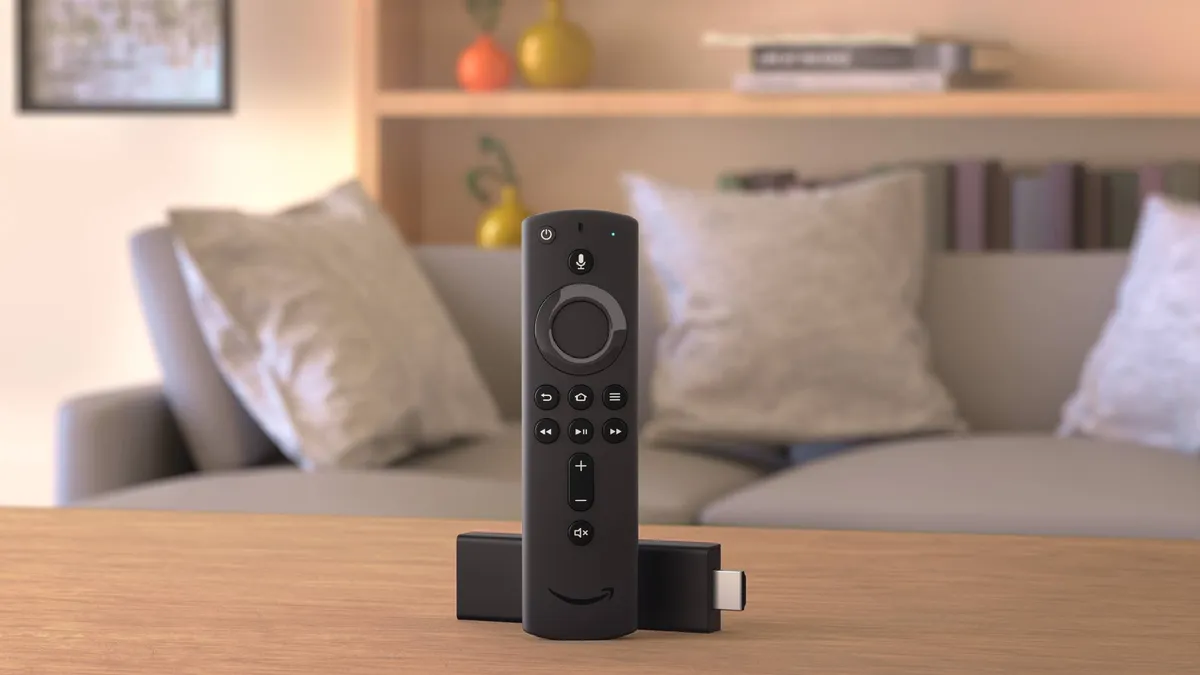
Best streaming device deals of April 2024
Save on a new media player with the best streaming device deals

PlayStation Portal restocks — latest status and where to get yours
Check Sony PlayStation Portal stock status at Target, Walmart, Best Buy, Amazon and others

AR Smart glasses are everything the Vision Pro should have been
Forget 'spatial computing' and embrace smart glasses, a cheaper, and more viable alternative to cumbersome VR/AR headsets.